
What they are known for
Begin with an established reputation for the party or one character. Choose its tone, reach and direction of change.
VISINVOKE roleplaying generator
A name people know.
Opportunities it opens.
Expectations it brings.

Make recognition matter
Prepare how one current reputation changes the party’s arrival.
Begin with an established reputation for the party or one character. Choose its tone, reach and direction of change.
Prepare access, help and offers beside scrutiny, challengers and expectations. Give the reputation effects you can use in a scene.
Review ordinary reactions, one focused faction and other faction attention. Let players decide how to respond.

Recognition and pressure
A party arrives at a city gate among gifts, invitations and cheering children. A folded-arm figure in a red cloak watches from the side.
The illustration places welcome and scrutiny together. Prepare useful benefits alongside believable disadvantages, rivalry and the pressure of a famous name.
What you can prepare
Keep recognition, useful opportunities and social pressures together.
Describe the party’s reputation or one character’s name. Give the recognition an established basis in your campaign.
Set a heroic, mixed or infamous reputation. Shape the welcome, concern and expectations that fit that standing.
Choose a reach from local recognition to distant legend. Show where the name is known and what people expect.
Choose the direction of change. Keep the recent deeds and factors that strengthen or weaken the reputation in view.
Give recognition practical weight through access, help, offers and opportunities. Review suggested benefits against your table’s rules.
Prepare disadvantages, scrutiny, challengers and the pressure to live up to the name. Give fame or notoriety a social cost.
Prepare how people react when the party arrives. Put recognition into the welcomes, conversations and expectations of everyday play.
Choose a faction to emphasise and review its response alongside attention from other factions. Keep the reactions with the current reputation.
Lock, change and edit individual sections. Save versions and reopen the standing, reach, reactions and opportunities.
Copy, download or print the full Dungeon Master material or the separate player-facing result. Review private material and the audience after edits.
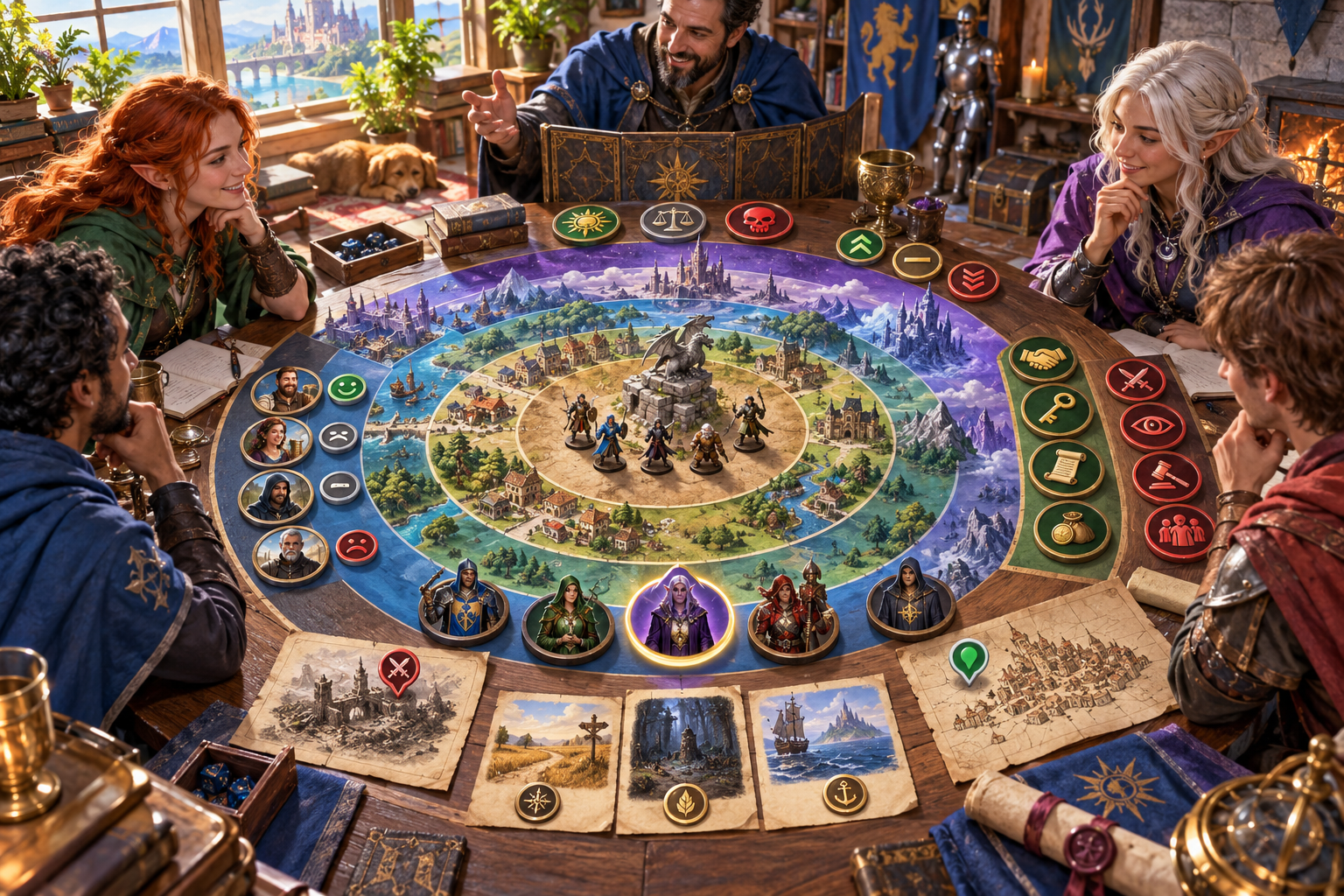
Reach, tone and factions
A game table illustration uses rings around a map to suggest local and distant reach. Symbols represent tone, change, benefits, pressures and faction attention.
Begin with what they are known for, then choose tone, reach and direction. Add an origin, notable deed, focused faction, things to avoid and private context.
Quick and Deep preparation
Use the deeds and relationships already in your campaign.
Describe what the party or character is known for. Choose heroic, mixed or infamous, the reach and whether it grows, holds steady or fades.
Name the character when relevant. Record where the reputation began and when the last notable deed occurred.
Choose the faction to emphasise, identify things to avoid and add private Dungeon Master context.
Read the standing, recognition, benefits, disadvantages, reactions and opportunities. Select what belongs in the party’s next scene.
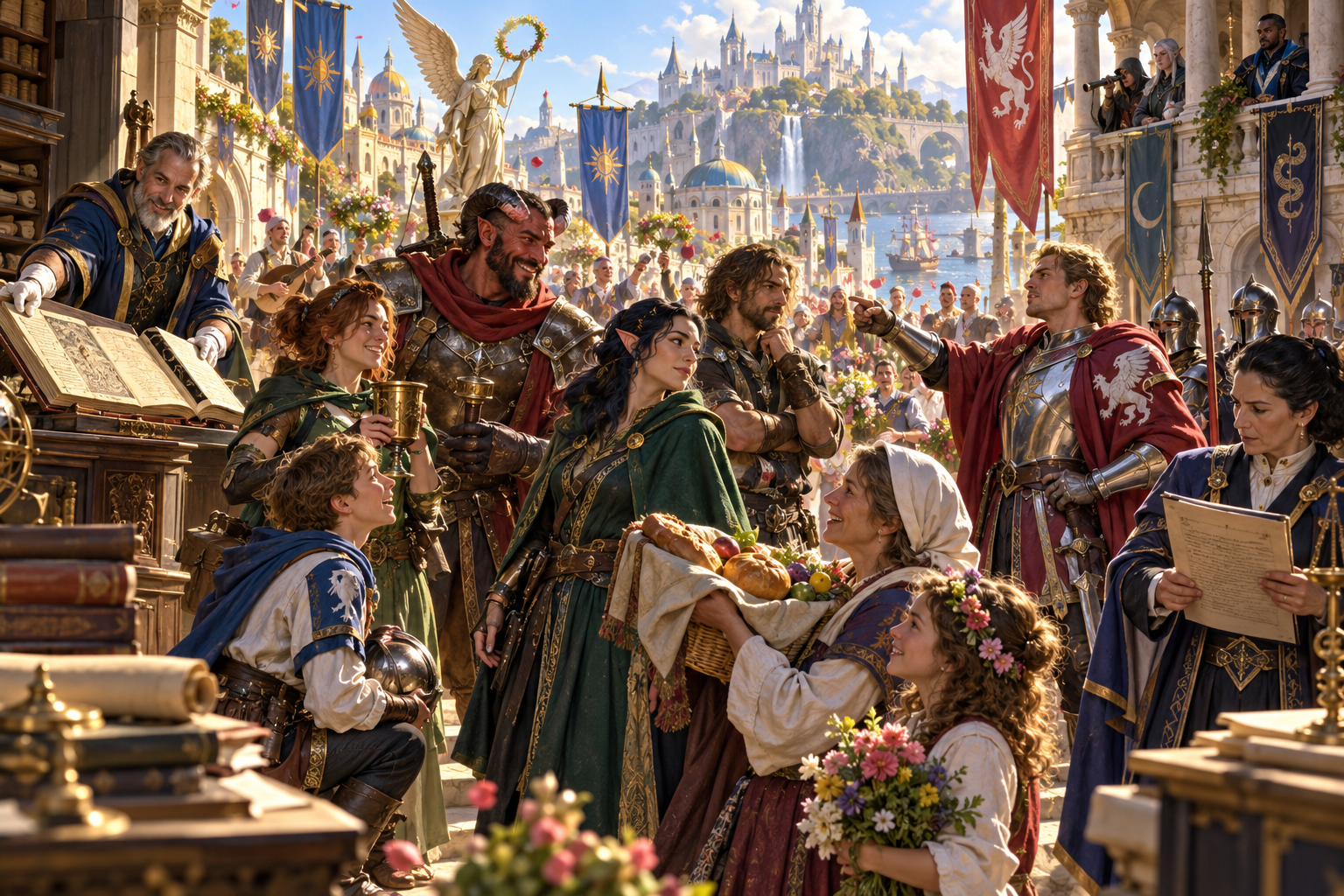
Benefits and costs
Residents welcome the party with gifts while a recordkeeper writes, observers watch from a balcony and a red-cloaked figure points toward the group.
Recognition can create help, access and offers alongside attention and challenges. Review ordinary and faction responses, then keep the players’ choices open.
Keep the reputation ready
Saved versions, section changes and an intended audience.
Keep the standing, reach, reactions, faction attention, growth factors and opportunities together for your preparation.
Refine individual sections and save versions. Keep the material useful as you shape the current reputation.
Choose the complete Dungeon Master view or the separate result you intend to share. Review private material after edits.
Take the reputation effects to your table in the form you need. Keep the practical benefits, pressures and reactions available.
Your workspace and related products
Open your products through your account.

Open Reputation Effect Generator in the Generators collection of your signed-in workspace. Get Desktop Control Centre through your account installer page.

Prepare one person’s attempt to make amends, with a chosen path, meaningful cost, mixed responses and an open decision about forgiveness.
Illustrations show possible responses to a reputation. Choose what fits your campaign and let the table decide how to respond.
Questions and answers
Preparation, recognition, saved material and sharing.
What the party or character is known for, current standing and tone, reach and recognition, benefits and access, disadvantages and expectations, ordinary reactions, a focused faction response, other faction attention, growth or fade factors, opportunities and hooks.
Choose heroic, mixed or infamous, with a reach from local recognition to distant legend. Set whether the name is growing, steady or fading.
Quick preparation begins with what they are known for, tone, reach and direction. Deep preparation adds a relevant character name, a focused faction, the origin, the last notable deed, things to avoid and private context.
Use the prepared access, help, offers, scrutiny, rivalry and expectations as material for play. Suggested benefits defer to your table’s rules, and players choose how to respond.
Lock, change and edit individual sections, save versions and reopen the material. Copy, download or print the complete Dungeon Master view or the separate player-facing result, reviewing private material and the audience after edits.
Create a free VISINVOKE account or sign in. Get Desktop Control Centre through your account installer page, then open Reputation Effect Generator in the Generators collection. Check your account for current subscription details.
Continue in VISINVOKE
Create a free VISINVOKE account or sign in. Get Desktop Control Centre through your account installer page.
Open Reputation Effect Generator in the Generators collection. Check your account for current subscription details.